
Step-Video-T2V
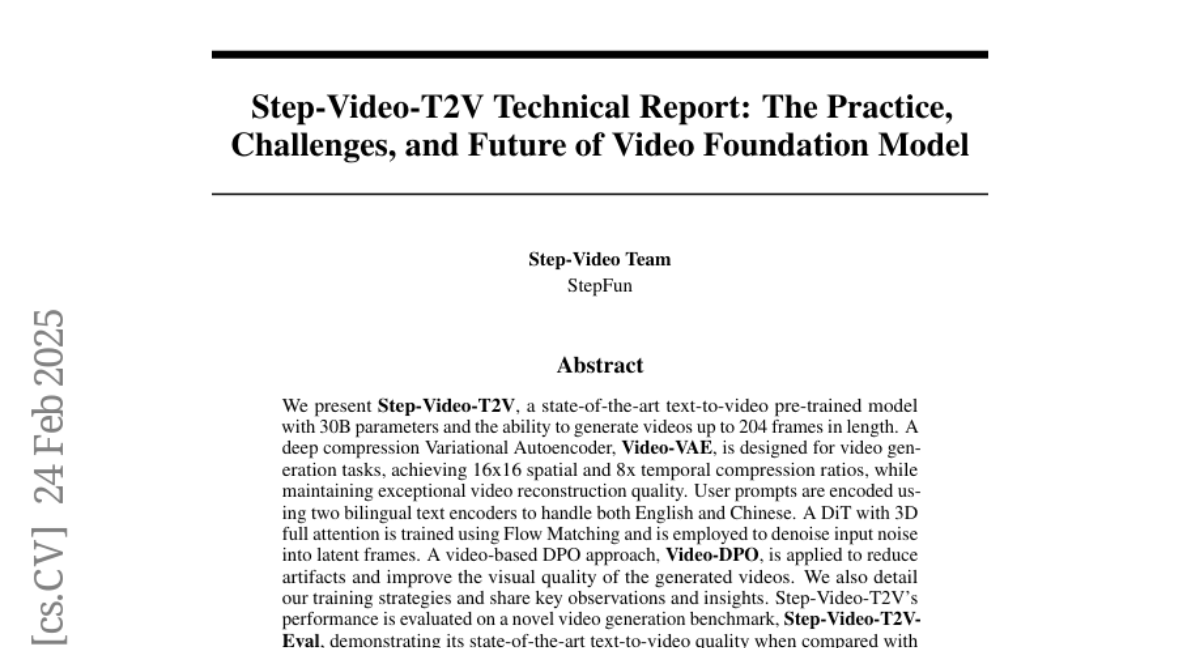
Step-Video-T2V from StepFun: text-to-video and video generation; Verified.
Step-Video-T2V is StepFun's large open text-to-video model (30B parameters upstream, MIT weights at stepfun-ai/stepvideo-t2v). WorldFoundry runs the whole pipeline in one process — DiT, Step-LLM text encoder, CLIP, scheduler, latent initialization, and VAE decoding — so no separate caption or VAE services are needed.
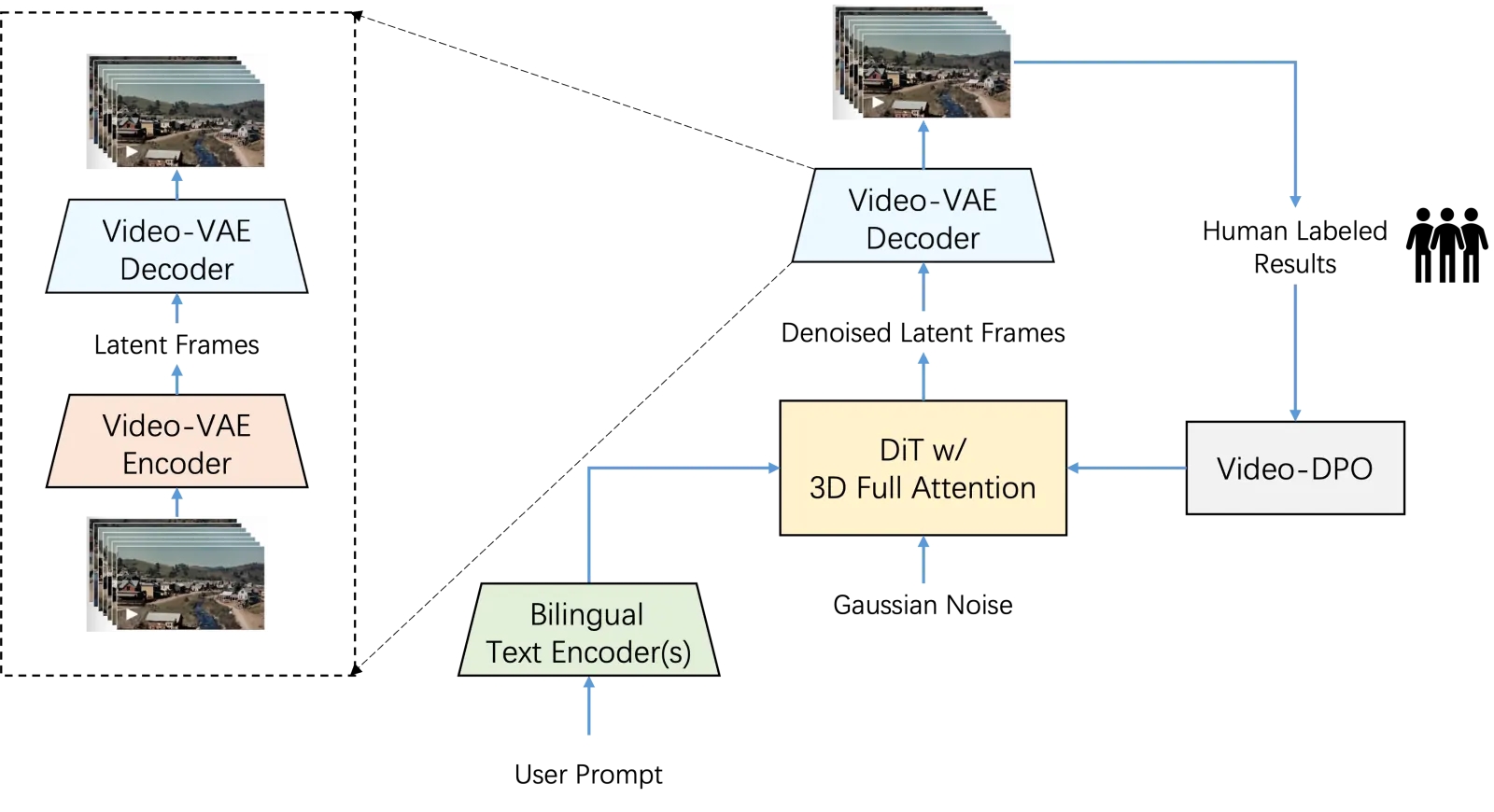
Paper: arXiv 2502.10248.
Code: stepfun-ai/Step-Video-T2V.
Build your run
StepVideoT2VPipelineworldfoundry.pipelines.step_video.pipeline_step_video_t2vinteractive-videoworldfoundry.pipelinewf run \
step-video-t2v \
--pipeline.task-profile interactive-video \
--jsonWhat it is for
step-video-t2v generates a video clip from a text prompt.
Upstream: a 30B DiT with a deeply compressed Video-VAE (16x16 spatial, 8x temporal) and bilingual text encoders.
Tasks: text-to-video and video generation. Aliases: step-video, stepvideo-t2v, and step_video_t2v. Modalities: text in, video out.
Suggested benchmarks: VBench (Standard open T2V quality suite).
Runtime contract
Inputs prompt (bundled samples are used when omitted); options frames, fps, height, width, steps, guidance-scale, and 1 more; artifacts generated_video and step_video_t2v.mp4.
CLI task profiles: interactive-video. WorldFoundry binds StepVideoT2VPipeline.
Family status: Verified.
Defaults for interactive-video: frames=204, fps=25, height=544, width=992.
Validated with the released checkpoint: one prompt generates a 204-frame 992x544 video with 50 steps on GPU. Use id step-video-t2v. At 30B scale plan for serious VRAM or multi-GPU setups.
Running in WorldFoundry
Run wf run step-video-t2v --pipeline.task-profile interactive-video to generate the video.
It runs in the unified environment worldfoundry-unified-cu128 (Python 3.11, CUDA 12.8).
Weights: stepfun-ai/stepvideo-t2v. Prepare the environment and check local assets with bash scripts/inference/prepare_model_infer.sh step-video-t2v. Add --download to fetch missing public checkpoints.
License: MIT.