
YUME
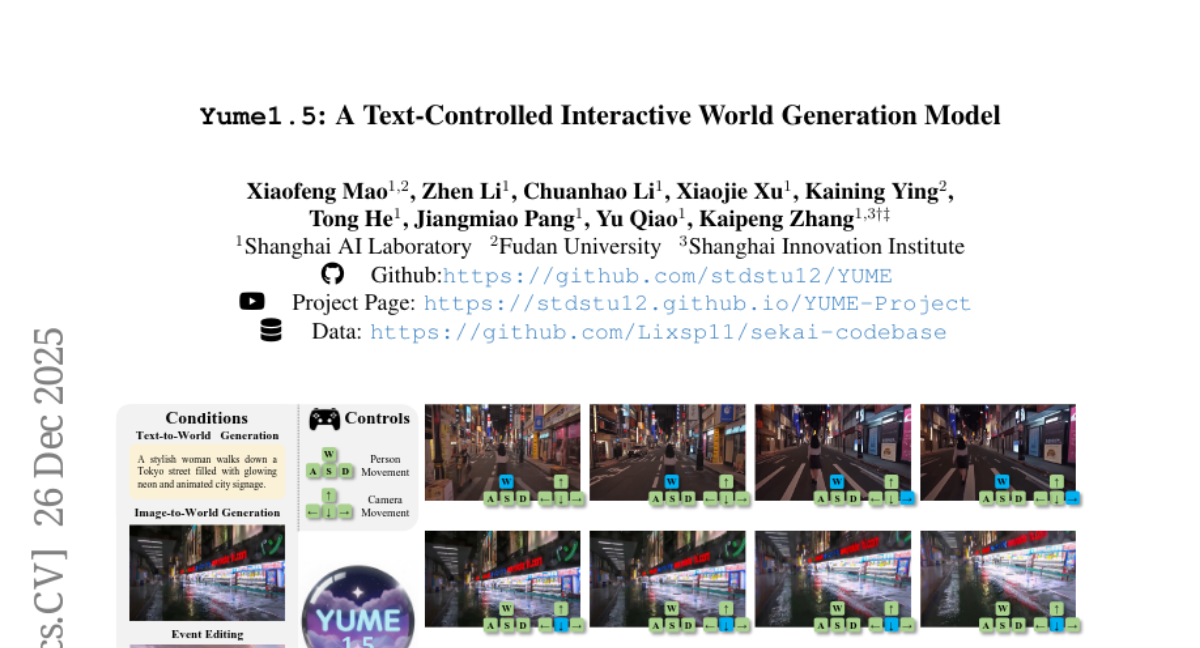
Interactive first-person world video from an image (and text on 1.5), driven by keyboard-style motion. Two variants: 540P image-conditioned YUME and 720P YUME-1.5.
YUME generates explorable first-person world video. An image (and on YUME-1.5, text and optional video) goes in; a clip that follows keyboard-style motion comes out.
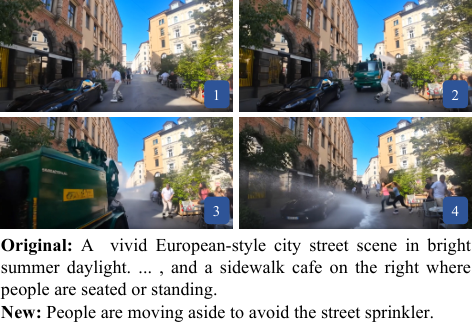
WorldFoundry provides two variants under Apache-2.0:
yume— officialstdstu123/Yume-I2V-540P. Image-first. Sizes 544×960 or 960×544. Artifactyume.mp4.yume-1p5— officialstdstu123/Yume-5B-720P. Prompt + image + video. Default size 704×1280 (also 1280×704). Artifactyume-1p5.mp4.
The paper / project write-up is Yume1.5 (project page, github.com/stdstu12/YUME).
Build your run
YumePipelineworldfoundry.pipelines.yume.pipeline_yumeinteractive-videoworldfoundry.pipelinewf run \
yume \
--pipeline.task-profile interactive-video \
--jsonVariants
- StatusRunner parity pending
yumeimage/video-to-world-video
Runtime profile
yumePipeline binding
yume - StatusRunner parity pending
yume-1p5image/video/text-to-world-video
Runtime profile
yume-1p5Pipeline binding
yume-1p5
What it is for
Walk a still scene. Inputs: prompt, image, video, plus navigation_actions and camera_actions. The pipeline requires at least one interaction — a WASD-style move or an arrow-key camera action. No interaction list means the run fails before sampling.
Use yume for the lighter 540P image-conditioned route. Use yume-1p5 when text guidance and 720P matter. For a general text-to-video clip, use a T2V model such as ZeroScope; for a .ply 3D world, use WorldGen.
Score interactive first-person rollouts on WorldModelBench.
Running in WorldFoundry
Both variants resolve into WORLDFOUNDRY_CKPT_DIR (HFD aliases or native Hugging Face snapshots) and run in worldfoundry-unified-cu128 (Python 3.11, CUDA 12.8). Weights must already be a complete local directory — the I2V line needs the DiT shards, UMT5, CLIP, and Wan2.1 VAE; 1.5 needs the 5B safetensors, UMT5, and Wan2.2 VAE. The runtime does not download them.